

Background remover
Cut your item out of whatever it was photographed on and drop it onto clean white or a custom coloured background. Powered by Photoroom.
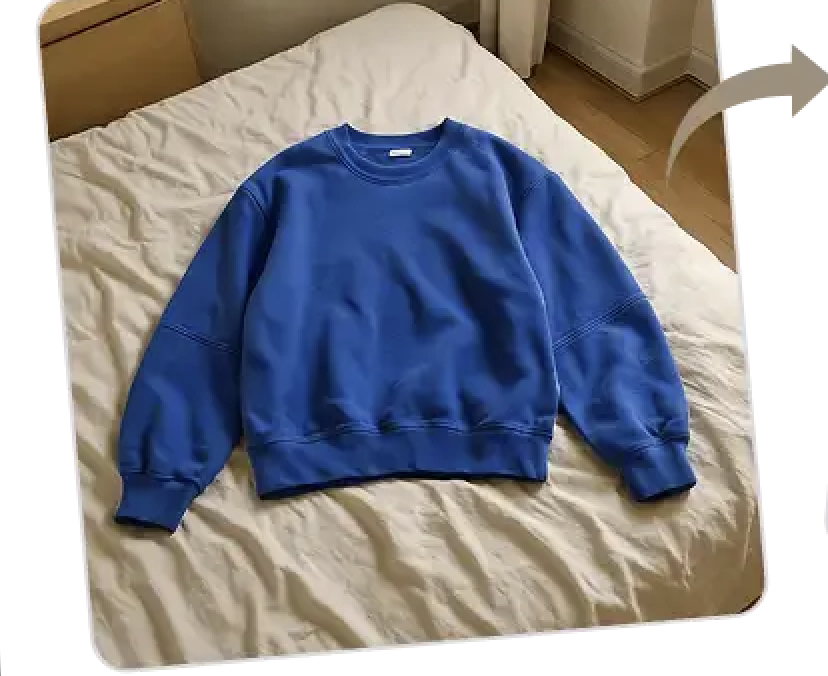
Backgrounds removed, creases smoothed, even virtual models — applied automatically upon listing creation. No lightbox, no editing app, no extra clicks.
3.1m+ listings managed over 1K Users


Listing Monster applies your default photo edit preferences. No editor or clicking required.
Easily create professional photos that grab your buyers attention
Cut your item out of whatever it was photographed on and drop it onto clean white or a custom coloured background. Powered by Photoroom.
Make your listing pop in search grids with advanced AI image edits. Including crease removal, flat lay or showing clothing on a virtual model.
Set your default edit preferences, and Listing Monster will automatically apply it. When an item deserves special treatment, the full image editor toolkit is there — adjust, crop, rotate, annotate.
Have an image you add to every listing — sizing guide, returns policy, brand card? Set it once and it's inserted into every listing in the position you choose.
Photos that standout on search grids get better click-through and conversion
“I've been able to totally skip that extra step of editing my photos.”
JackJRG SelectionWhere it fits
Photo edits get your listings ready to standout. Listing Monster's other tools help you find items to list and get them sold faster once live.
Know sold prices, sell-through and profit before you buy.
Turn your photos into complete, ready-to-publish listings.
Turn phone snaps into clean, marketplace-ready product photos.
List once and put your inventory in front of buyers everywhere.
Relist and reprice your inventory until it sells.
Keep stock, listings, SKUs and marketplace inventory in sync.
Our team is happy to help. Message us any time and a real person will get back to you.
Sourcing tips, resources, free tools and live numbers from our own reselling business — straight to your inbox.